

Download Winamp Toolbar – free Windows browser tool, lightweight and customizable
Overview
Winamp Toolbar is a free, lightweight browser‑enhancement program designed exclusively for Windows operating systems. Created by Nullsoft, the same studio that brought the iconic Winamp media player to millions, this tool adds a sleek, music‑focused toolbar to your web browsing experience. Although its primary audience resides in the United States, the software’s modest size—taking up far less storage space than most browser extensions—has attracted a global user base seeking a low‑impact solution for quick media access while surfing the web.
The current version, 5.1.20.3, was last updated on June 20 2012, which means the core functionality remains stable and unchanged for over a decade. That stability can be an advantage for users who prefer a set‑and‑forget tool that doesn’t demand frequent patches or intrusive updates. Since being added to our catalog in 2012, Winamp Toolbar has amassed more than 19,000 downloads, with a steady trickle of new users each week.
The program supports Windows ME and later versions, making it compatible with a wide range of legacy systems that many modern tools have already abandoned.
What sets Winamp Toolbar apart from other browser utilities is its seamless integration with the classic Winamp aesthetic. The toolbar offers instant playback controls, a customizable playlist view, and direct links to online radio stations—all without leaving the browser window.
Because it’s built as a standalone Windows application rather than a browser extension, it works across multiple browsers, including Internet Explorer, Firefox, and early versions of Chrome, without requiring separate plug‑ins. This cross‑browser compatibility, combined with its free price tag and small footprint, makes Winamp Toolbar an attractive option for users who still enjoy the nostalgic feel of Winamp while browsing modern web pages.
Key Features of Winamp Toolbar
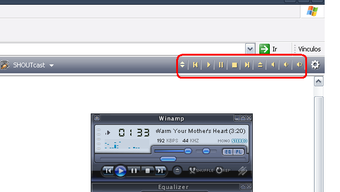
- Instant Playback Controls: Play, pause, stop, skip, and adjust volume directly from the toolbar, eliminating the need to switch tabs.
- Customizable Playlist: Drag‑and‑drop songs into a compact playlist that stays visible while you browse, allowing quick access to your favorite tracks.
- Built‑in Radio Integration: Access a curated list of online radio stations with one click, perfect for background music while working.
- Cross‑Browser Compatibility: Works with Internet Explorer, Firefox, and early Chrome releases without separate extensions.
- Lightweight Architecture: Consumes minimal system resources, making it ideal for older Windows machines and low‑end PCs.
- Classic Winamp Skinning: Retains the familiar Winamp look and feel, with optional skins for a personalized appearance.
- Secure Free Download: Hosted on reputable download portals, the installer is digitally signed and free of adware.
- Easy Updates: Although the last major update was in 2012, the installer checks for any minor patches automatically.
Each of these features is designed to enhance productivity without sacrificing system performance. For example, the instant playback controls let you pause a song when a phone call comes in, then resume with a single click—no need to hunt for the media player window. The playlist is compact enough to sit at the top of your browser, yet powerful enough to hold hundreds of tracks, complete with drag‑and‑drop reordering and quick‑remove options.
Radio integration brings a streaming experience straight to your desktop, which can be a lifesaver for users who prefer background music over curated playlists.
Because Winamp Toolbar is a Windows application rather than a browser plug‑in, it avoids the security sandbox limitations that sometimes restrict extension functionality. This design choice also means you can use the toolbar across multiple browsers without reinstalling or configuring separate versions.
The classic Winamp skin provides a nostalgic visual cue, but the software also supports newer skin packs, allowing users to blend the old with the new. Finally, the free and secure download process reassures users that they’re not exposing their systems to hidden malware or unwanted bundled software—a common concern with many “free” tools.
Installation, Usage, and Compatibility
Installing Winamp Toolbar is straightforward and takes only a few minutes. Follow these steps to get the toolbar up and running on your Windows PC:
- Download the installer from a trusted source (the official Nullsoft page or reputable software catalogs).
- Double‑click the
.exefile to launch the setup wizard. - Accept the license agreement and choose the destination folder (the default path works for most users).
- During the component selection screen, ensure the “Winamp Toolbar” option is checked; you may also install the optional skin pack.
- Click “Install” and wait for the process to complete—this usually takes under a minute on modern hardware.
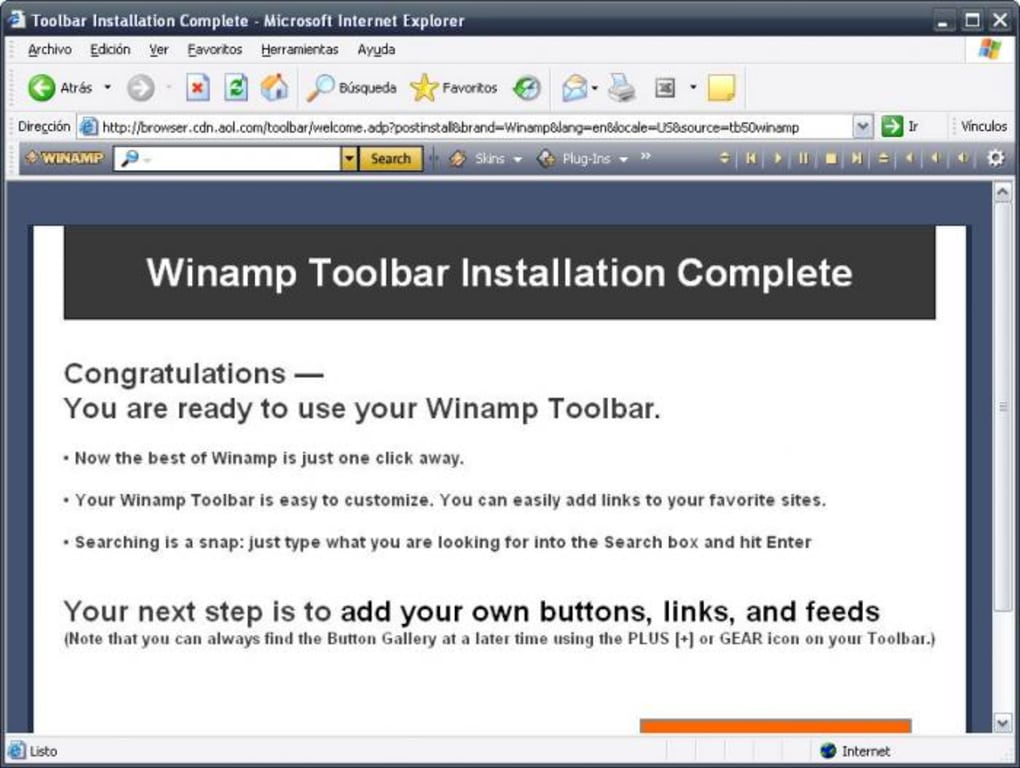
- After installation, the toolbar will appear automatically at the top of your default browser. If it does not, locate the Winamp Toolbar icon in the Windows system tray and select “Show Toolbar.”
Once installed, using the toolbar is intuitive. The leftmost section displays playback buttons (Play, Pause, Stop, Next, Previous). Next to it, you’ll find the volume slider and a progress bar that shows the current track’s elapsed time.
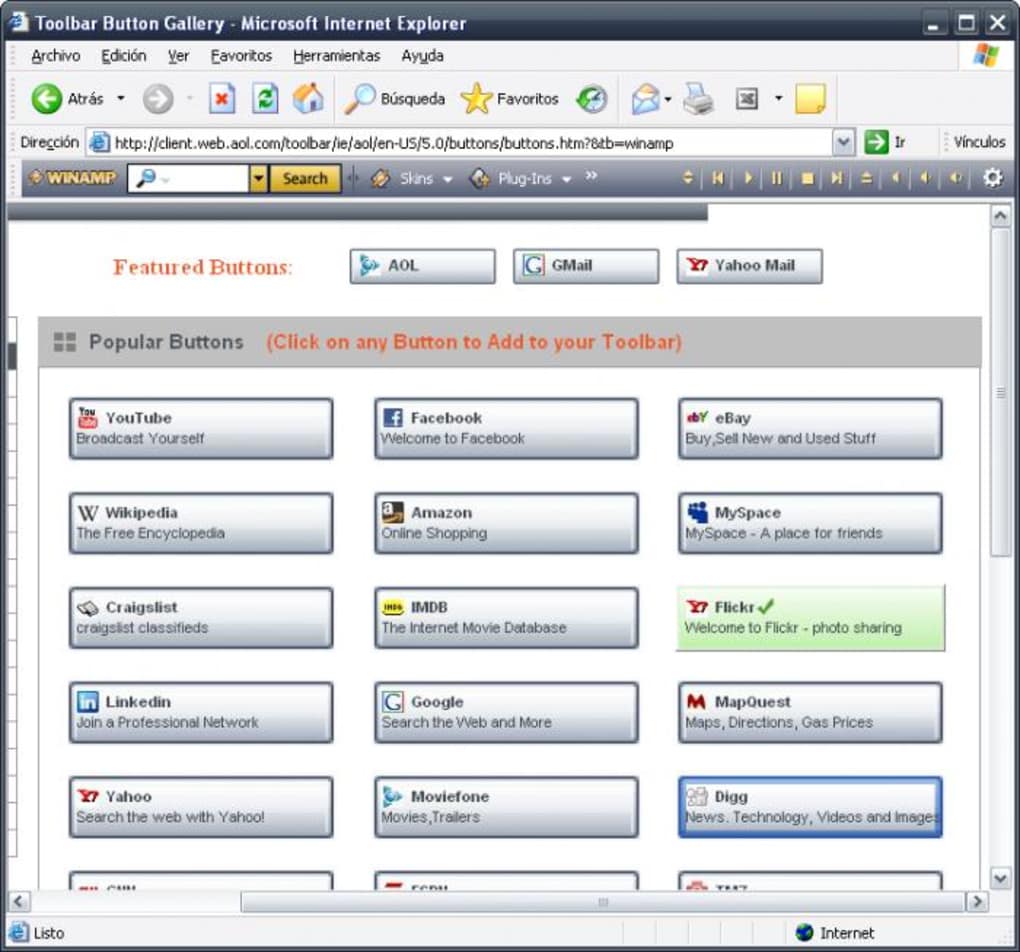
The central area hosts the playlist, where you can add files by dragging them from Windows Explorer or by right‑clicking and selecting “Add to Playlist.” The rightmost side provides quick links to preset radio stations; you can customize these links in the settings menu.
Compatibility: Winamp Toolbar supports Windows ME, Windows 2000, Windows XP, Windows Vista, and Windows 7. While the software was originally built for older systems, it continues to run on Windows 8 and Windows 10 in most cases, provided you enable compatibility mode for the installer.
However, due to its age, it is not officially supported on Windows 11, and users may encounter minor visual glitches on high‑DPI displays.
For users who run multiple browsers, the toolbar will appear in each one after you launch the program. If you prefer to hide the toolbar in a specific browser, simply right‑click the toolbar area and select “Hide in this browser.” Settings are stored in a small configuration file located in %APPDATA%\WinampToolbar\settings.ini, which can be edited manually for advanced customization.
Regular users can rely on the built‑in “Check for Updates” feature to receive any future patches, though major feature upgrades are unlikely given the software’s stable legacy status.
Pros, Cons, FAQ and Final Verdict
Pros
- Extremely lightweight – consumes less than 5 MB of disk space and minimal RAM.
- Free and secure download with no bundled adware.
- Works across multiple browsers without separate extensions.
- Classic Winamp interface appeals to nostalgic users.
- Built‑in radio stations and playlist management for continuous music.
Cons
- No official support for Windows 11 or the latest browsers.
- Last major update was in 2012, so new features are unlikely.
- Limited skin options compared to modern media players.
- Configuration UI feels dated and may be confusing for new users.
Frequently Asked Questions
Is Winamp Toolbar safe to download?
Yes. When downloaded from reputable sources such as the official Nullsoft site or trusted software directories, the installer is digitally signed and contains no adware or spyware.
Can I use Winamp Toolbar on Windows 10?
The toolbar runs on Windows 10 in most cases, especially when you enable compatibility mode for the installer. Some visual elements may appear slightly off on high‑DPI screens.
Does the toolbar work with modern browsers like Edge or Chrome?
Yes, it works with Internet Explorer, Firefox, early versions of Chrome, and Edge (in compatibility mode). However, it does not support the newest Chromium‑based extensions directly.
How do I add my own radio stations?
Open the toolbar’s settings window, navigate to the “Radio” tab, and click “Add Station.” Paste the streaming URL and give it a name. The station will appear alongside the preset list.
Is there any way to update the software?
The program includes a “Check for Updates” option, but since the last official release was in 2012, no new major versions are expected. Minor patches may still be released for security fixes.
In summary, Winamp Toolbar delivers a reliable, low‑resource solution for users who want quick music control while browsing. Its strengths lie in its simplicity, free price, and classic Winamp look, while its limitations stem from an aging codebase and lack of modern OS support. If you run a legacy Windows system or simply appreciate a lightweight media toolbar, Winamp Toolbar remains a solid choice. For those seeking cutting‑edge features or full Windows 11 compatibility, you may want to explore newer alternatives.
Ready to bring classic Winamp convenience back to your browser? Click the download button below, install the toolbar, and start enjoying seamless music playback without leaving your web pages.







